How to Get More Codes in Defend Bunker from Zombies
Track Bunker Corp! promos through Discord, milestones, and wiki updates — without chasing fake strings.
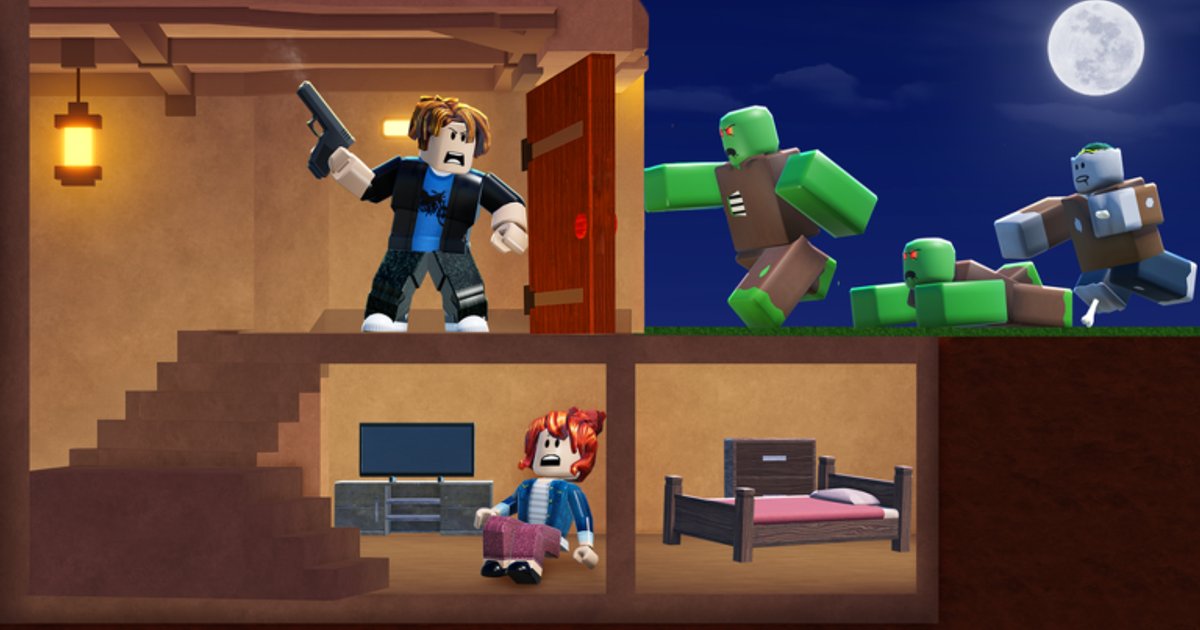
Promo codes in Defend Bunker from Zombies — the Roblox survival experience also called Survive the Zombies (STZ) by Bunker Corp! — are the fastest free path to Shards and Shard potions. They do not appear in your inventory automatically; developers publish strings through Discord, Roblox experience updates, and milestone events, then players redeem them in the Shop codes box or via the Codes button some UI builds show at the top of the HUD. This guide explains where to find new codes, how to verify they are real, and how this wiki refreshes so you are not copying expired strings from old videos.
Start with the live list on Codes Hub — as of August 2026, UPDATE_01 (100 Shards) and FREEPOTIONS (3× X2 + 3× X3 Shard potions) still work when entered correctly. Redemption steps: How to Redeem Codes.
Official Discord: first source to join
The Bunker Corp! community Discord is the primary announcement channel for new promos. Invite link: https://discord.com/invite/T6zXPpu94m (also listed on our Links Hub).
What to watch inside Discord:
- Announcement or codes channels — pinned messages often hold the newest string before YouTube reposts.
- Update teasers —
UPDATE_01-style names appear around patches; read Discord News for how to track pins without missing edits. - Moderator confirmations — when players report “invalid code,” staff clarify typos vs expiry.
- STZ naming — some members say Survive the Zombies; codes apply to the same place ID 134361906638337 as Defend Bunker from Zombies.
Turn on notifications for announcement channels only — general chat moves too fast for reliable code drops.
Roblox experience page and milestones
Bunker Corp! sometimes ties codes to Roblox milestones — favorites, visits, or update celebrations. Check the official game page description after patches noted on Updates. Description edits may precede Discord posts by hours or follow them — check both when a patch lands.
Milestone codes often use obvious names (UPDATE_01 pattern). Redeem quickly; developers retire promos without long warning.
Wiki Codes Hub refresh habits
This wiki maintains a Codes Hub with verified working strings — not rumor paste. When you need more codes:
- Bookmark Codes Hub and return after each major update.
- Read Updates Hub for patch dates that often coincide with new promos.
- Use this page when Discord is quiet but you suspect a code dropped — we add entries only after community verification, not TikTok speculation.
- Cross-read Shard Rewards Explained so you know whether a new code grants Shards, potions, or both.
We remove expired codes rather than leaving dead strings. If a code is missing here, assume retired unless Discord reposts a fix.
How to verify a code is real
Fake codes spread from copied thumbnails and AI-generated “100 codes” videos. Protect your time:
| Signal | Trust level |
|---|---|
| Posted in official Discord announcement | High — redeem soon |
| Listed on this wiki Codes Hub after update | High |
| Roblox experience description edit same day | Medium-high — confirm spelling |
| Random YouTube short with no patch date | Low — verify in Discord first |
| Requires account password or off-site login | Scam — never use |
Real codes redeem inside the game Shop — never on external websites. Both the Shop codes box and reported Codes button entry points stay in-client.
Redeem quickly after discovery
Once verified, redeem before logging off:
- Launch place ID 134361906638337.
- Open Shop → codes box, or tap Codes if your HUD shows it.
- Enter exact capitalization —
UPDATE_01,FREEPOTIONS. - Confirm Shards or potions updated.
Mobile players: disable autocorrect on underscore codes. Full troubleshooting on How to Redeem Codes.
After you exhaust current codes
When UPDATE_01 and FREEPOTIONS eventually expire, progression continues through gameplay Shards, potion boosts during active sessions, and Getting Started efficiency tips. Codes accelerate meta — they do not replace learning the day / night loop.
Stay in Discord between drops so you catch the next campaign early. Pair announcements with Updates patch notes — balance changes and code drops often ship together.
What this guide will not do
We do not invent codes to keep this page looking fresh. Every string on the wiki must be verified on the live build. If you find a working code before we list it, share proof politely in official Discord — moderators confirm faster than wiki edit cycles.
Related pages
- Codes Hub — current working list
- How to Redeem Codes — Shop and Codes button paths
- Discord News — announcement tracking
- Links Hub — Roblox page and Discord invite
- Shard Rewards Explained — spending new Shards wisely
Frequently Asked Questions
Quick answers to the most common questions.
Where do new STZ codes get announced first?
Usually the official Bunker Corp! Discord at https://discord.com/invite/T6zXPpu94m. Announcement channels beat social reposts; enable notifications there.
Are UPDATE_01 and FREEPOTIONS still active?
Both were confirmed working in August 2026 on the live Roblox build. Enter them exactly in the Shop codes box or Codes button UI before they rotate.
Does Survive the Zombies get different codes?
No. STZ is a community name for the same experience as Defend Bunker from Zombies on place ID 134361906638337. Codes redeem on that place only.
How often should I check the Codes Hub?
After every major update listed on Updates, and when Discord posts a patch note. We refresh verified strings and remove expired ones.
Why do YouTube codes fail in-game?
Videos often show retired promos or typos. Verify in official Discord or this wiki Codes Hub before assuming the game is broken.
Can I get codes from Roblox chat or DMs?
Legitimate codes come from official announcements and in-game Shop redemption. Ignore DMs asking for passwords or off-site "generators."