Defend Bunker from Zombies Tools & Checklists Hub
Markdown-first planning aids for bunker survival — interactive UI may arrive later; the checklists work today.
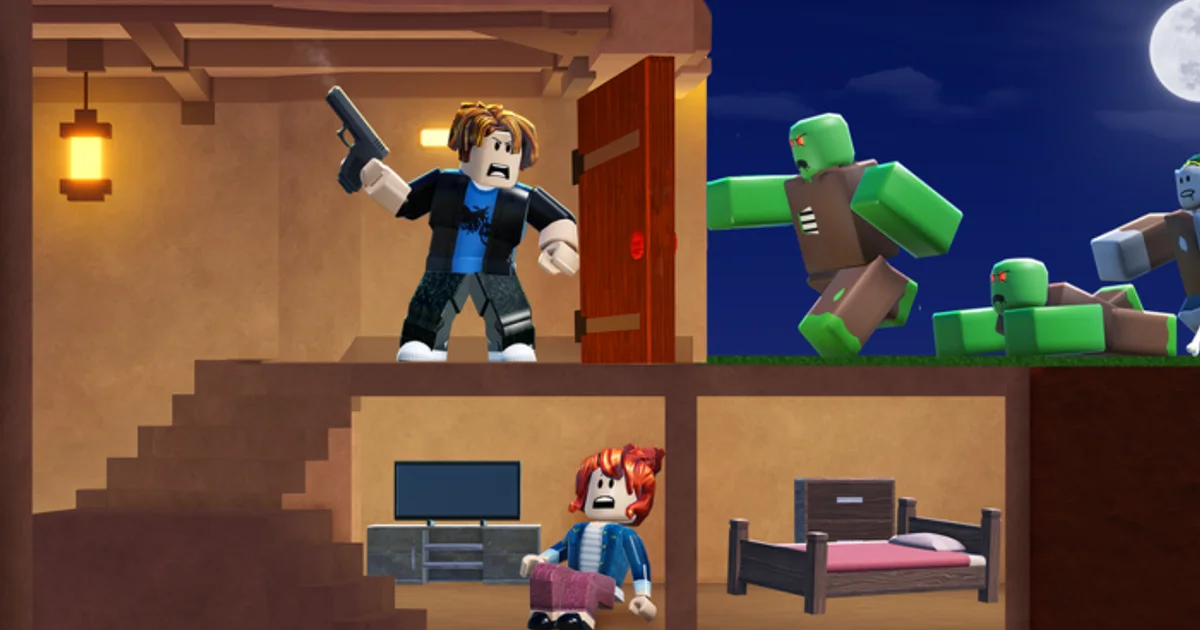
Theory from Guides Hub and meta from Tier List Hub only matter if your squad executes during the day-night loop. Defend Bunker from Zombies by Bunker Corp! punishes forgotten fuel, half-repaired walls, and loot crews that return ten seconds after the horn. This Tools Hub collects repeatable planning aids — starting with markdown checklists you can skim on a second monitor or phone browser. Interactive Astro widgets may ship later; until then, rich markdown lists are the supported workflow.
Start with the flagship Survival Checklist if you wipe on predictable nights. Pair tools with Co-op Tips when running public lobbies.
Why tools belong on a wiki
Players search “checklist,” “planner,” and “night prep” almost as often as codes or tier lists. Written tools:
- Turn abstract advice into tick boxes before each wave
- Reduce chat arguments about who forgot generators
- Help solo players self-coach without voice comms
- Complement Codes Hub redemptions — free Shards do not fix empty fuel bars
Tools are not scripts. Nothing here violates Roblox ToS or asks for executors. See Scripts Hub for why we avoid automation.
Featured tool pages
Survival Checklist (available now)
The Survival Checklist breaks daytime and pre-night tasks into copy-friendly markdown sections:
- Resource minimums (food, fuel, wood)
- Generator and power verification
- Wall tier and choke repairs
- Class role confirmations (Medic, Engineer, etc.)
- Post-wave recovery steps
Use it until routines become muscle memory — veterans still skim before double-wave events announced on Discord News.
Future interactive helpers (planned)
The template may later add Astro components such as:
- Shard spend planner tied to Class Tier List
- Code redemption reminder toggles synced with Updates
- Printable PDF exports of checklist sections
Those features require development time; markdown content remains authoritative until shipped.
How to use this hub in solo vs co-op
Solo private servers: Read the checklist aloud once per session. Time yourself — if daytime loot consistently finishes under five minutes before night, adjust routes using Getting Started.
Friends discord: Paste checklist sections into your voice channel text tab. Assign lines to players using roles from Players Hub.
Public matchmaking: You cannot force strangers to follow your list, but you can personally hit fuel and food minimums, then ping needs politely via Co-op Tips.
Tool design principles
Every tool page on this wiki follows:
- Actionable lines — Verbs first: “Confirm,” “Repair,” “Stock”
- No fake automation — Manual checks beat risky scripts
- Cross-links — Every gap points to a guide or tier page
- Patch awareness — Update thresholds when Updates Hub notes economy changes
- Accessibility — Markdown renders on mobile without custom apps
Sample pre-night mini checklist
Quick excerpt — full version lives on the child page:
- Food buffer at or above session target
- Fuel tanks filled; spare cans crafted
- Generators online; switch fuel line verified
- Wall tiers repaired at primary choke
- Turrets stocked (Engineer) or healing items ready (Medic)
- Squad returned from loot route before horn audio
Copy the list into Discord before high nights; tick mentally or with emoji reactions.
Connecting tools to progression systems
| System | Tool support | Wiki depth page |
|---|---|---|
| Shards / classes | Spend planning prompts | Tier List Hub |
| Promo codes | Redeem-before-night reminder | Codes Hub |
| Patches | Refresh checklist thresholds | Updates Hub |
| Squad roles | Role assignment lines | Players Hub |
| Safety | No script shortcuts | Scripts Hub |
When to revisit tools
Re-read checklists when:
- Bunker Corp! patches fuel consumption or wall HP
- You unlock a new class that changes prep (Rocketeer ammo, Engineer turret parts)
- You transition from Beginner Picks to Endgame Picks
- Friends join from Links Hub Discord and need shared standards
Contributing feedback
Community suggestions belong on official Discord (Links). Moderators surface recurring checklist gaps we translate into wiki updates during npm run sync content cycles.
Related pages
- Survival Checklist — Full markdown checklist
- Guides Hub — Mechanic deep dives
- Co-op Tips — Squad coordination
- Tier List Hub — Class-specific prep notes
- Updates Hub — Patch-driven threshold changes
Frequently Asked Questions
Quick answers to the most common questions.
Are these tools interactive apps?
Not yet. The survival checklist is rich markdown you can read or copy today. Interactive Astro UI may be added later without changing core content.
Can I copy checklist items into Discord?
Yes. Markdown lists on the survival checklist page are designed for copy-paste into squad chat before night waves.
Do tools replace guides or tier lists?
No. Tools turn existing advice into repeatable steps. Guides explain why; tier lists explain class priority.
Will tools ever include scripts or automation?
No. This hub stays within Roblox ToS. See the Scripts Hub for why automation is discouraged.
How often should I use the survival checklist?
Use it every session until prep becomes habit. Revisit after major patches listed on the Updates Hub.